
UserTesting Review 2026:
UserTesting pays people to test websites, apps and prototypes while sharing their thoughts out loud. Companies use this feedback to improve their products. It is one of the better-paying “get paid to” options per minute. This UserTesting review explains how it works, what it pays and whether it is worth joining.
Key Takeaways
· UserTesting pays for recorded website tests and higher-paying live interviews.
· Screener questions decide who gets each test.
· Clear, detailed feedback keeps your rating high and tests coming.
What Is UserTesting?
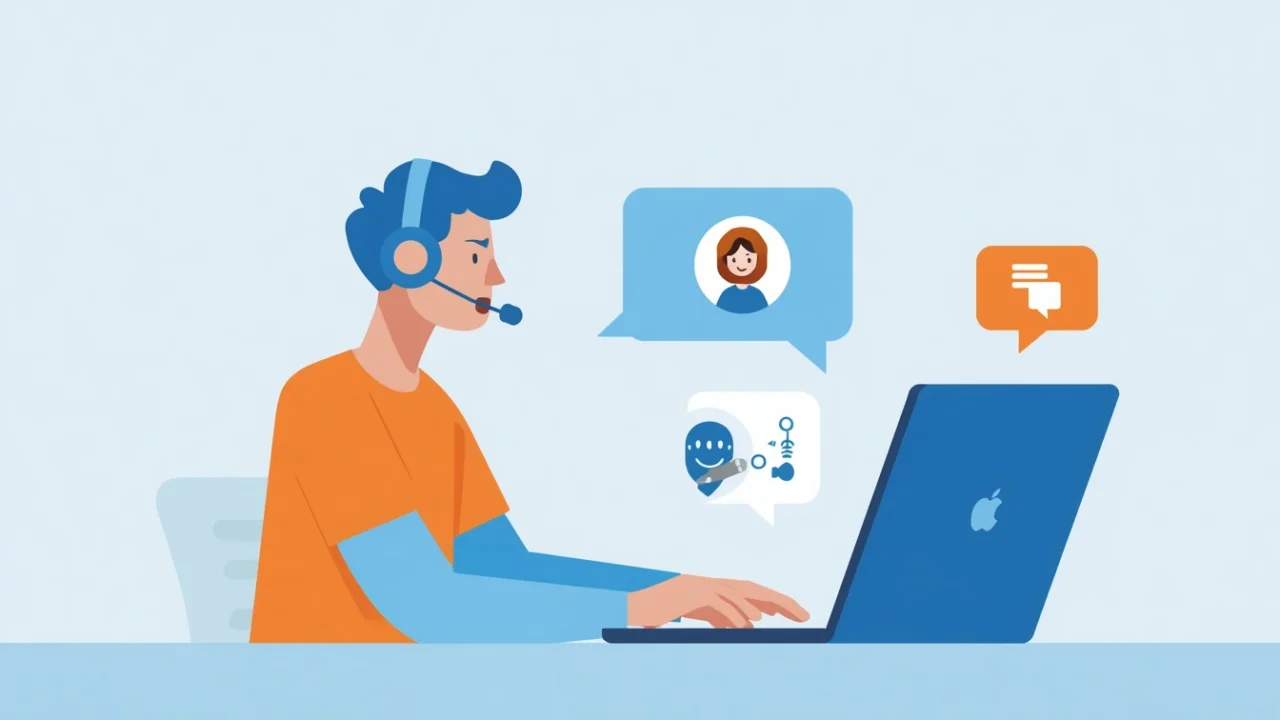
UserTesting is a human insight platform used by companies to understand how people experience their websites, apps and products. Contributors complete tests by following tasks and speaking their thoughts while their screen (and sometimes camera) is recorded. Learn more on the UserTesting contributor page.
Fact 1: You Take a Practice Test First
After signing up, you complete a practice test to show you can think aloud clearly and follow instructions. Clear audio and helpful comments improve your chances of getting tests.
Fact 2: Standard Tests Pay Per Test
Standard tests commonly pay around $10 for tests that take roughly 20 minutes, though shorter tests may pay less. Rates can change, so check each test’s reward.
Fact 3: Live Interviews Pay More
Some companies invite contributors to live interviews, which typically pay more because they take longer and involve real-time conversation with researchers.
Fact 4: Screener Questions Decide Who Gets Tests
Most tests start with screener questions to find the right participants. You may not qualify for many tests, and tests fill quickly. Answer honestly, since inconsistent answers can lead to low ratings.
Fact 5: Payments Go to PayPal
UserTesting pays through PayPal, typically a set number of days after completing a test. Check the current payment schedule in your account.
Fact 6: Ratings Affect Access
Companies can rate your test. Good ratings can lead to more opportunities, while poor ratings may reduce them.
Fact 7: You Need the Right Setup
You need a computer or phone, a working microphone, a quiet environment and sometimes a webcam. Clear audio is essential.
Fact 8: It Is Side Income
Test availability varies, so most contributors earn occasional income. It can add up for active users but is not a steady job.
Tips to Get More Tests
1. Complete your profile with accurate demographics and interests.
2. Enable notifications so you see tests quickly.
3. Speak clearly and continuously during tests.
4. Be specific: explain what confuses you and why.
5. Follow instructions exactly.
6. Stay honest in screener answers.
Pros
· Better pay per minute than most survey sites
· Interesting variety of websites and apps
· Live interviews with higher pay
· Flexible schedule
Cons
· Screeners disqualify you often
· Tests fill quickly
· Requires speaking and screen recording
· Irregular income
Example in Practice: A Week of Testing
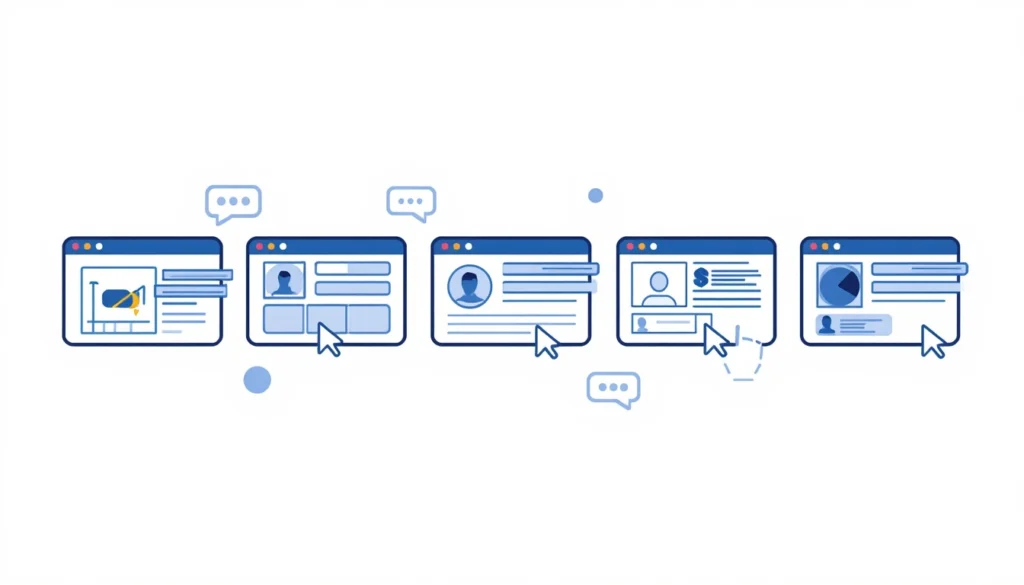
A contributor checks the dashboard several times per day. They qualify for two standard tests and one live interview during the week. The income is not huge, but per minute it beats many survey sites.
UserTesting vs Other Platforms
Compared to Prolific, UserTesting tests require speaking and screen recording, while Prolific focuses on surveys and studies. Compared to Swagbucks, UserTesting usually pays more per minute. Many people use all three to maximize opportunities. For more serious income, consider AI training jobs.
Privacy Considerations
Tests record your screen and voice, and some record your face. Close personal tabs, hide sensitive information and never share passwords or financial details during tests.
How to Think Aloud Effectively
The most valuable testers explain their thoughts clearly and continuously. Try these tips:
· Say what you are looking for before you click.
· Explain why something confuses you, not just that it does.
· Read important text out loud when it affects your decision.
· Compare your expectations with what actually happens.
· Share positive feedback too, not only problems.
· Stay neutral and honest, even if the product is from a famous brand.
For example, instead of saying “This is confusing,” say “I expected the pricing to be on the homepage, but I cannot find it, so I am not sure how much this costs.”
Sample Screener Questions
Screener questions help companies find the right testers. They may ask about your job, the apps you use, your shopping habits or your household. Answer truthfully. Trying to guess the “right” answer usually backfires because tests are designed for specific people, and poor fit leads to low ratings.
Equipment Tips
· Use a headset or quiet room for clear audio
· Close unnecessary tabs and notifications
· Keep your screen tidy and hide personal information
· Test your microphone before starting
A good setup improves your ratings and helps you qualify for more tests over time.
Other Testing Platforms
If you enjoy testing, similar platforms exist for usability testing, app testing and product research. Combining several platforms increases the number of opportunities available. You can also explore apps that pay you real money for casual rewards, but testing usually pays more per minute.
The Bottom Line
· UserTesting pays you to test websites and apps while thinking aloud.
· Standard tests commonly pay around $10 for about 20 minutes.
· Live interviews pay more.
· Screeners and fast-filling tests limit availability.
· It is good side income with better per-minute pay than surveys.
Frequently Asked Questions
Is UserTesting legit?
Yes. UserTesting is a real company used by many businesses to gather user feedback.
How much does UserTesting pay?
Standard tests commonly pay around $10 for about 20 minutes, with live interviews paying more.
How does UserTesting pay?
Payments are made through PayPal after tests are completed.
Why can’t I get UserTesting tests?
Tests are limited and screeners target specific participants. Check often and keep your profile updated.
Do I need a webcam for UserTesting?
Not always. Some tests require a webcam, while others only need screen and audio recording.
Can I do UserTesting on my phone?
Yes. Many tests are available on mobile devices, and some require a phone specifically.
How often do new tests appear?
Tests appear throughout the day, and many fill quickly, so checking regularly helps.
Is UserTesting available outside the US?
UserTesting has contributors in many countries, but test availability can be highest for certain regions and demographics.
Can I do UserTesting without a microphone?
No. Speaking your thoughts aloud is essential, so a working microphone is required.


Comments